Transparent
IP Management
Software
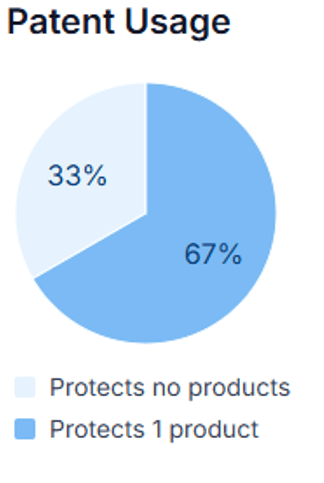
Gain full transparency into your IP portfolio: which are your most valuable IP rights, which products are protected, and which revenues are linked to them?
Patent Cockpit is built especially for SMEs that need professional IP management without complexity.
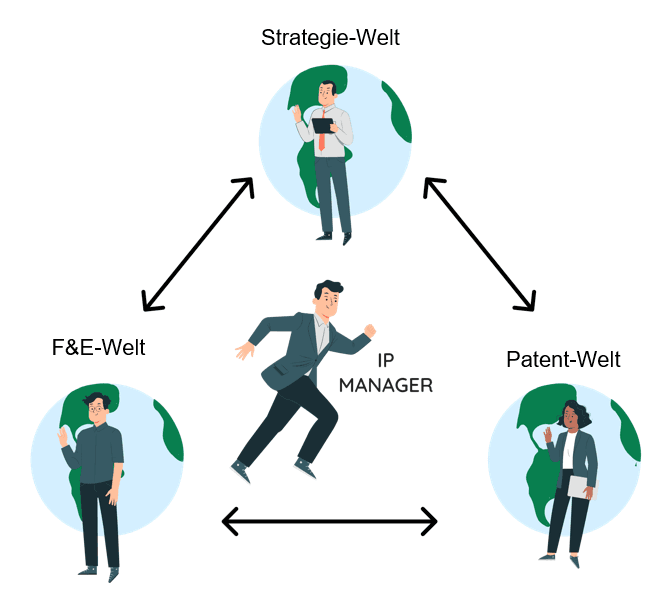
IP management
Patent Cockpit was built to gather all relevant information from totally different "worlds" and present it in an understandable way. The key is that everyone in the organization can truly understand the basis for decision-making.
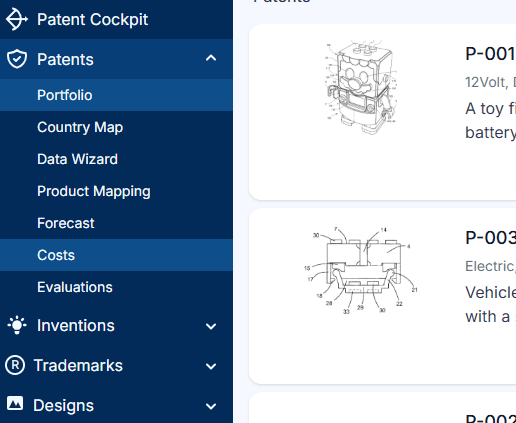
Everyone can use Patent Cockpit immediately
No onboarding is required. IP managers, assistants, R&D teams and business managers can use Patent Cockpit straight away.
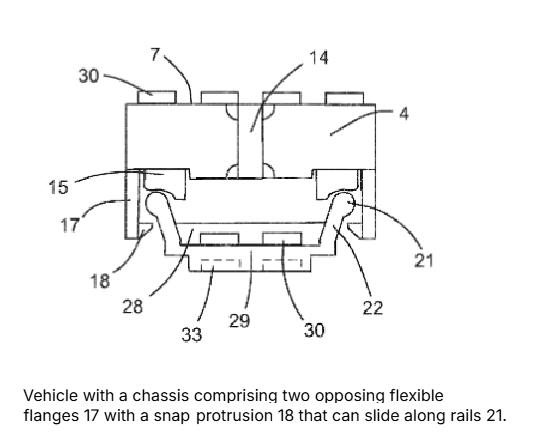
An image and a summary explain the scope
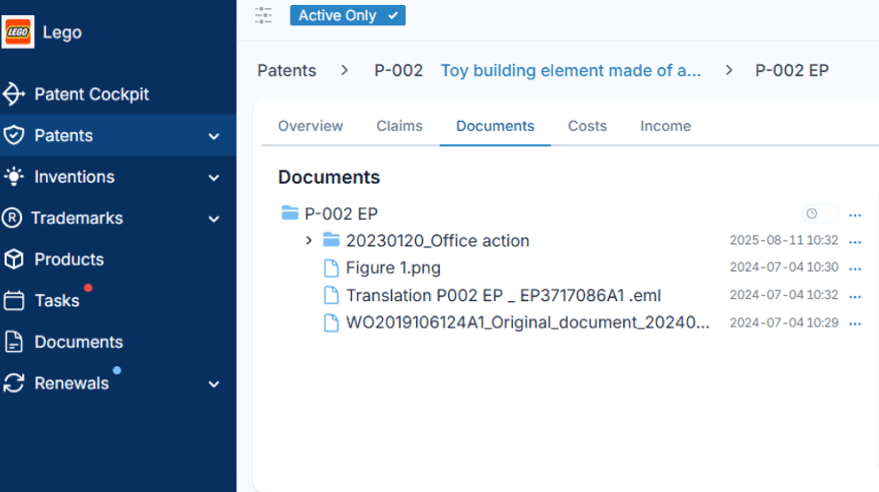
In order for everyone to truly grasp the scope of protection, we work with a representative image and a concise summary that together explain the scope of protection of patents, trademarks, or designs.
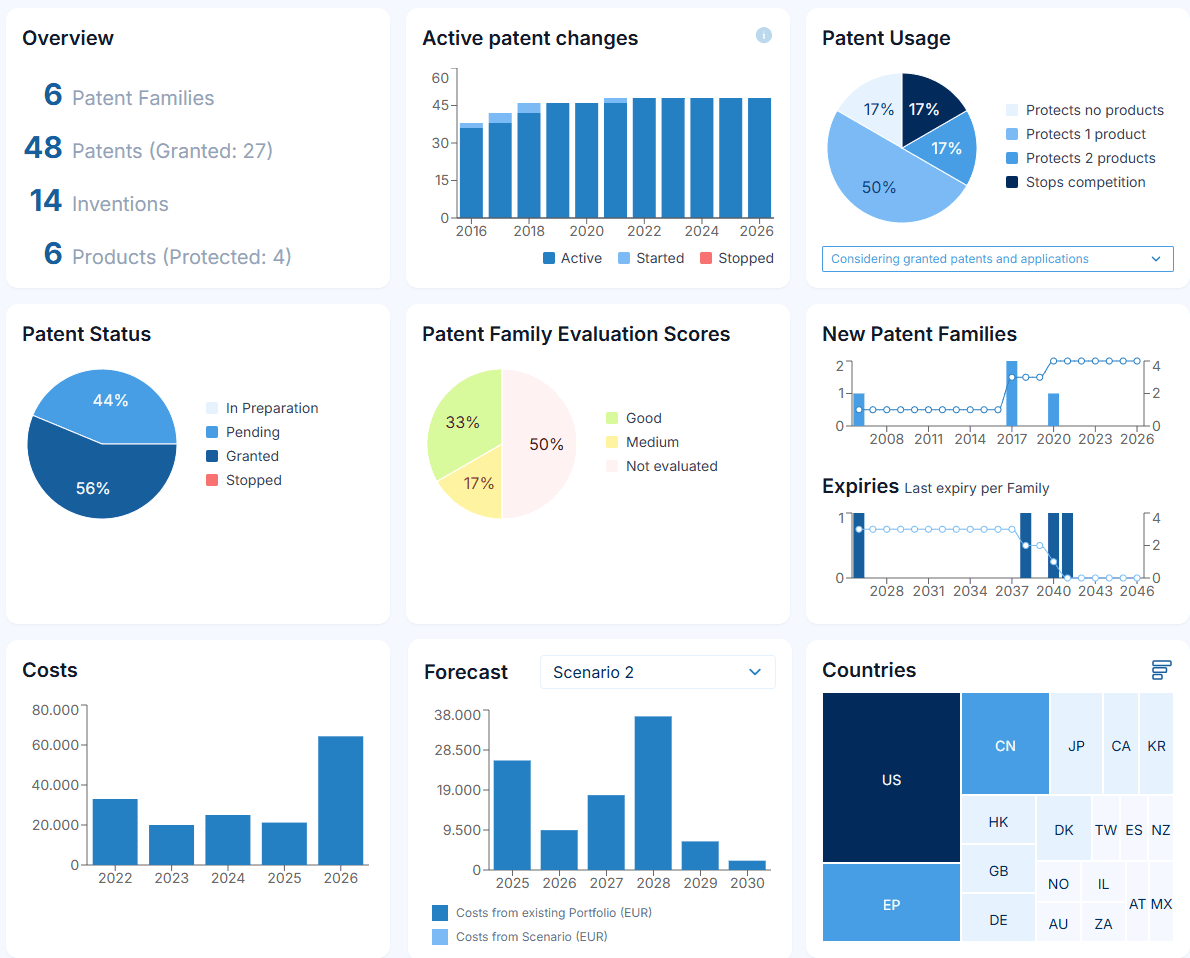
Functionality that IP managers need
Patent Cockpit offers the functionality that IP managers need: portfolio overview, portfolio assessment tools, cost tracking, forecast and a cockpit with KPIs.
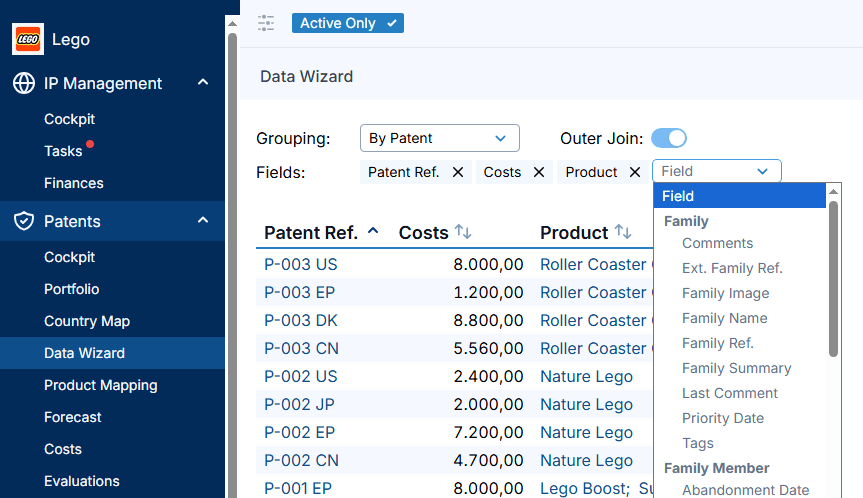
Pick the data you want
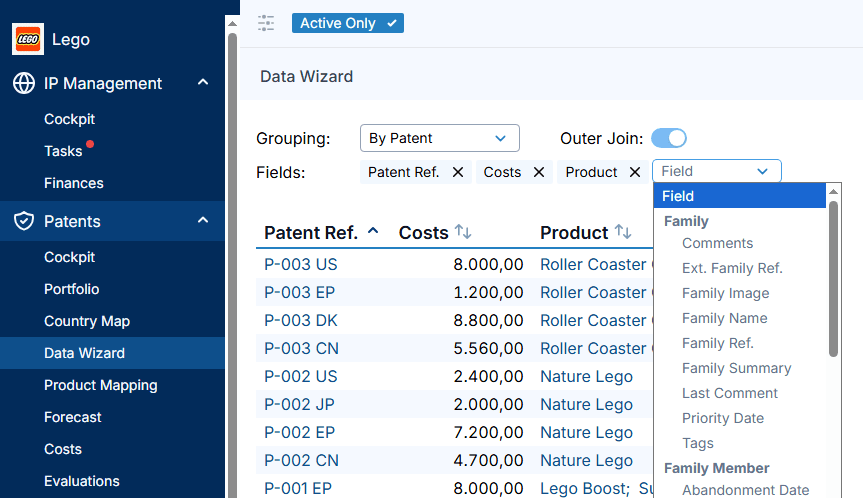
With our intuitive Data Wizard, you simply choose the fields and figures you want in your custom IP report. By applying a portfolio filter beforehand, you define precisely which IP rights, products, or business units the report covers.
Visit www.patent-cockpit.com for more information.
Portfolio development
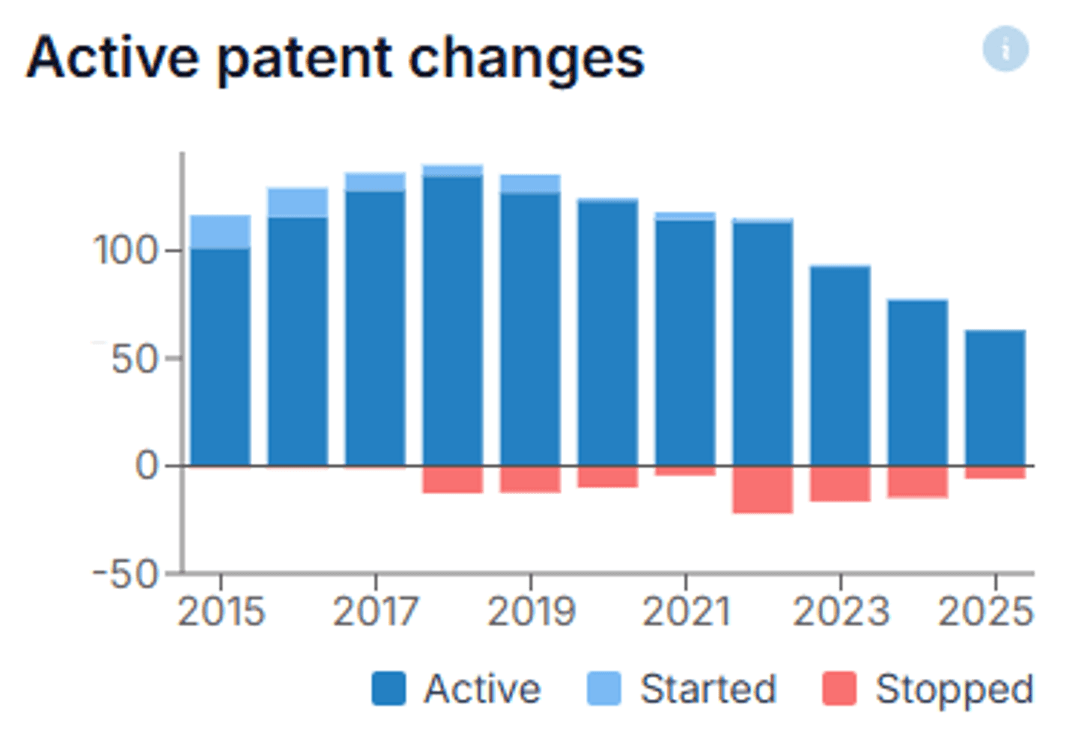 Portfolio management
Keep costs under control
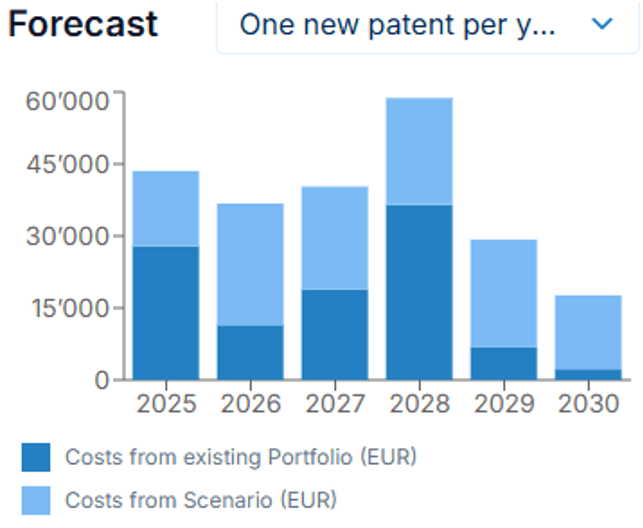 Costs
CostsEmployee inventions act
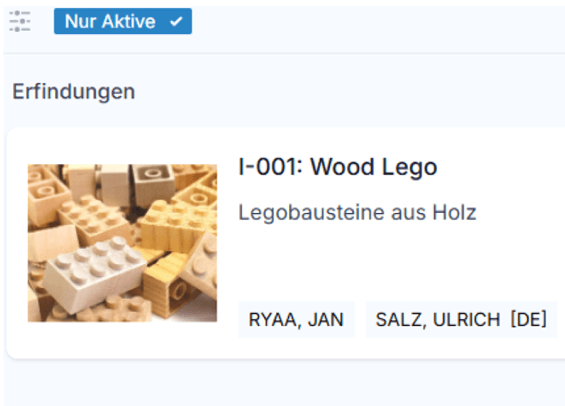 Inventions
Save on renewals
 Costs
CostsPatent usage
 Portfolio management
Document management
 Data management
Custom reporting
 Data management
Forecast scenarios
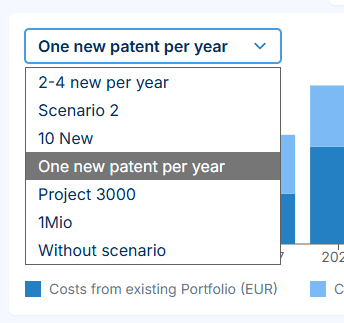 Costs
CostsFiltering
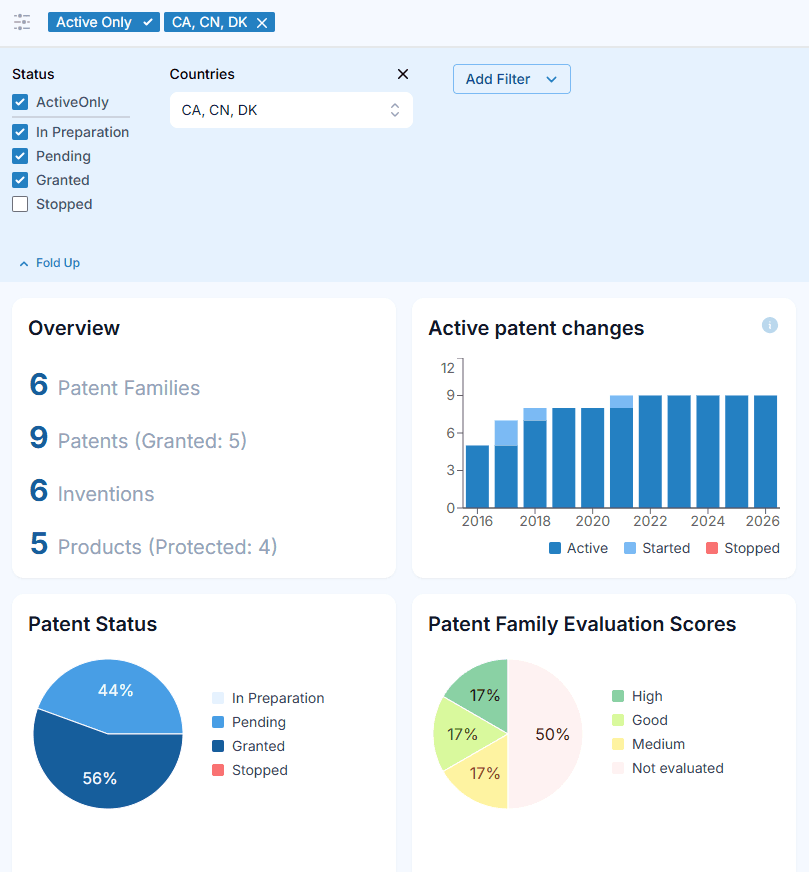 Data management
Departments, BUs and groups
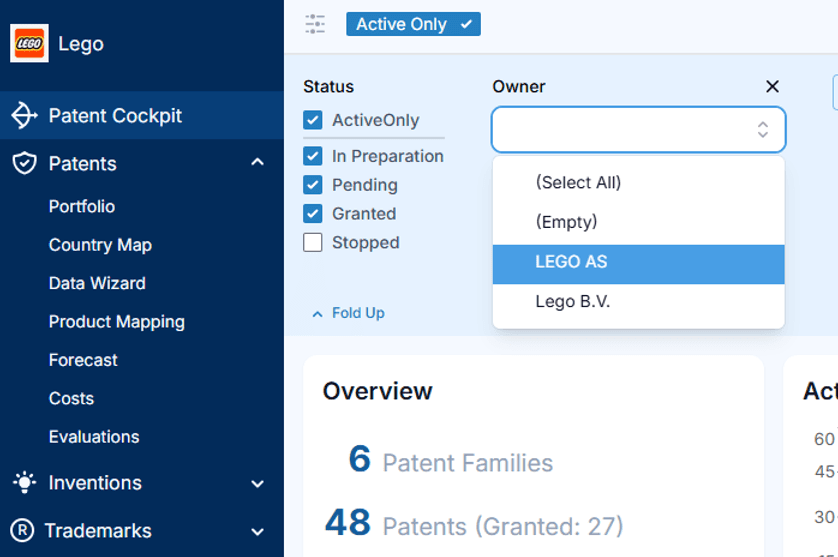 Data management